Show the product in the shopper's own room.
Roomzin installs on Shopify and WooCommerce. Shoppers upload a room photo from the product page, your API places the product, and the storefront returns a clean before / after reveal.
Product-page trigger in. AI room preview out.
Upload a room photo from the PDP and return a premium AI-composed preview without leaving the buying flow.
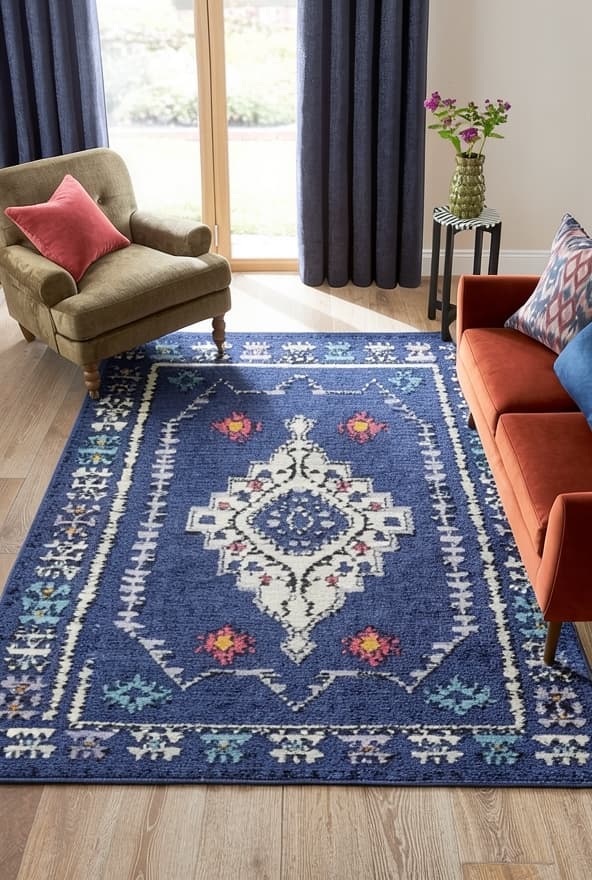
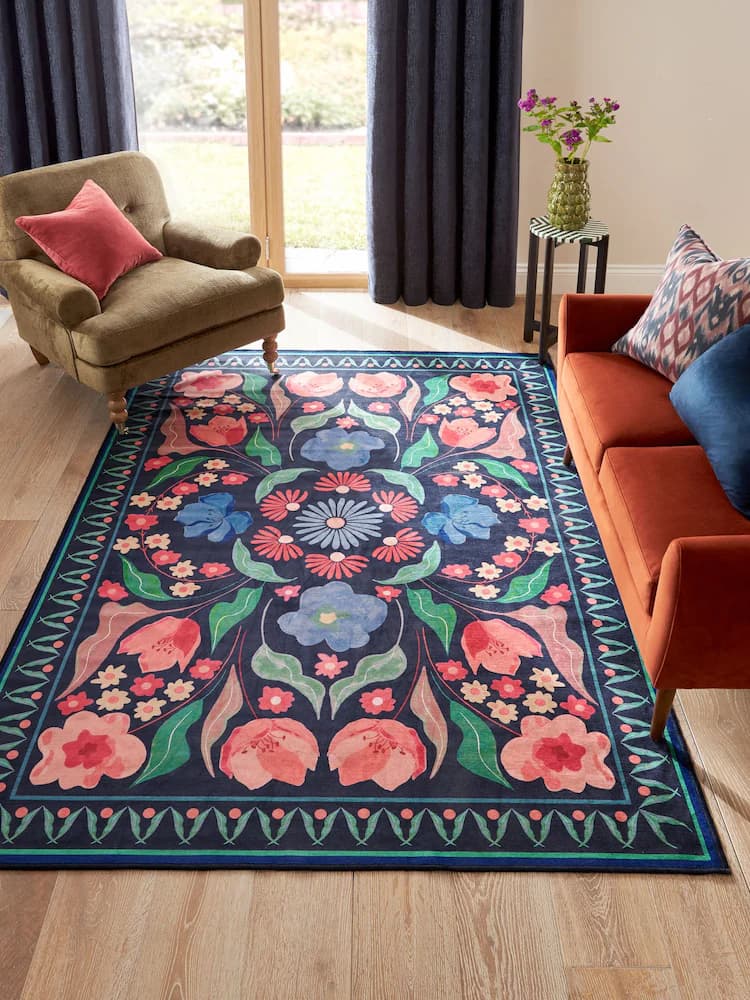
Two commerce stacks. One clear product story.
Roomzin is meant to be installed into stores that already exist. Shopify and WooCommerce each get a native path to the same customer experience.
Add Roomzin directly to the product template.
Merchants install the Roomzin extension, place the block on the product page, and publish without touching the rest of the storefront.
Launch across the catalog with a store-manager workflow.
Upload the plugin, connect credentials, map products to Roomzin IDs, and let each product detail page power the experience.
A setup flow that stays product-focused.
The steps are short for the merchant and intuitive for the shopper. Each section of the flow has a single job.
Install on the store
Roomzin is added to Shopify or WooCommerce as a product-page extension, not as a new storefront project.
Connect product mapping
The merchant connects API credentials and maps the right product or variant to the Roomzin catalog entry.
Return the preview
Shoppers upload a room photo from the PDP and receive a refined AI before / after preview in the same buying flow.
Roomzin makes AI feel like a real store capability.
The result is not just a visual effect. It is a better buying moment inside the product page, delivered through an install path merchants can actually ship.
Higher purchase confidence
The product stops being abstract because the shopper sees it inside a real room they recognize.
A cleaner conversion path
The experience lives on the product page instead of sending the customer into a disconnected demo journey.
AI as a product layer
Roomzin behaves like an installable capability for the store, not like a custom one-off experiment.
Less implementation drag
Merchants get a premium visualization experience without a full storefront rebuild or a parallel frontend project.
Built with premium home-commerce expectations in mind.
These are the kinds of home-commerce references Roomzin is designed to sit beside: visual, conversion-aware, and product-led.
Install once. Let every product page sell with more context.
Roomzin gives merchants a premium AI preview layer without pushing them into a separate storefront build.
Install the Roomzin app extension, add the block to the product template, and publish.
Upload the plugin, configure credentials, map the catalog, and activate the flow on each PDP.